Employee + Admin Action

Check balance and recent activity

Start on the dashboard to see how much coverage is left and what claims need attention.

Steps

  1. 1.Open Dashboard from the left navigation.
  2. 2.Review your balance or company usage to confirm available coverage.
  3. 3.Scan recent claims for statuses that require follow-up.
  4. 4.Move to Claims when you need full history and filters.

Supporting screenshots

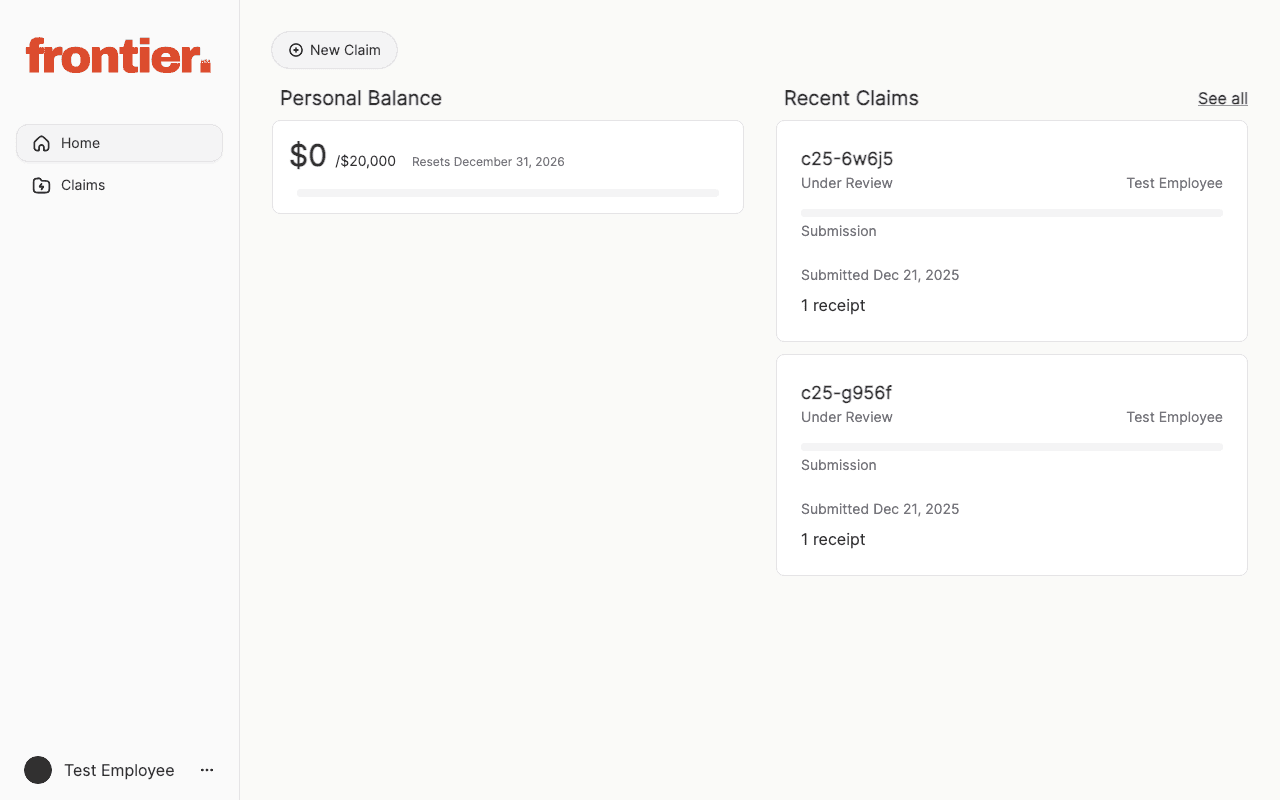
Employee dashboard with personal balance and recent claims.
employee

Employee dashboard with personal balance and recent claims.

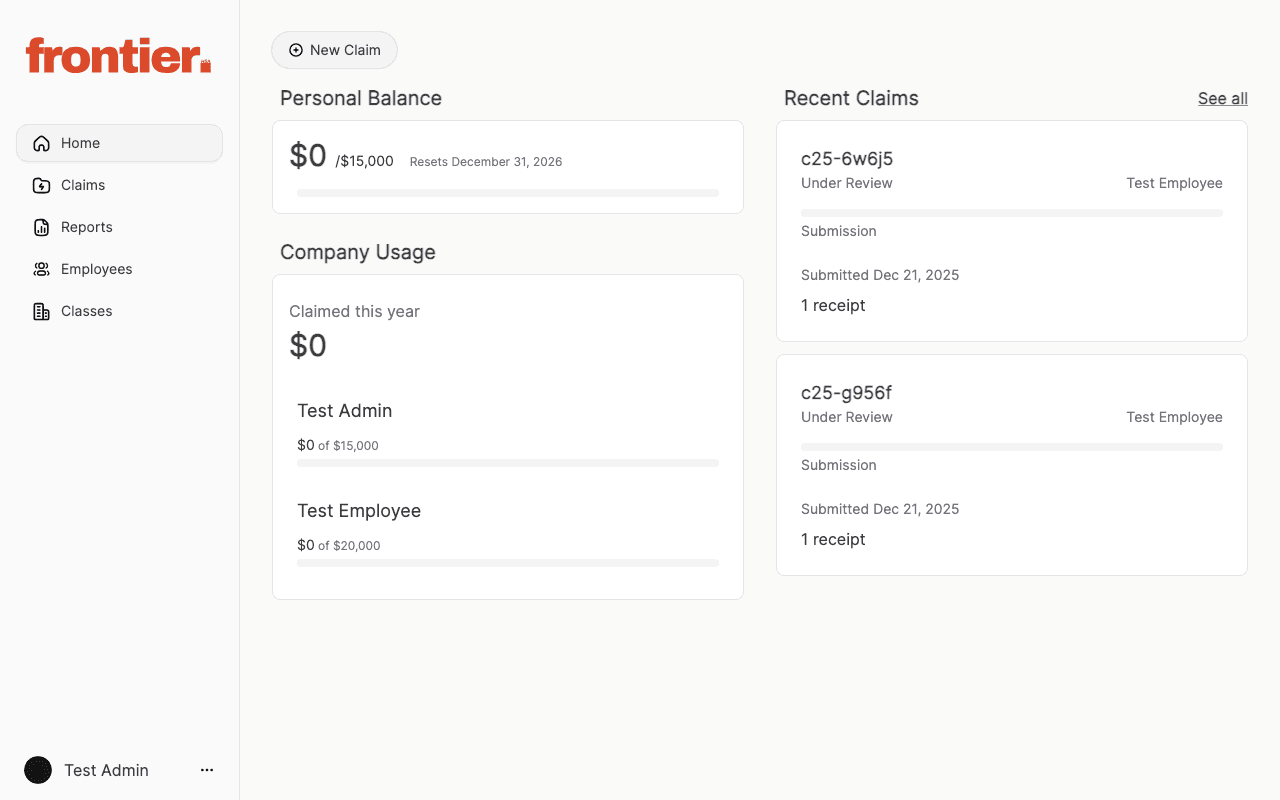
Admin dashboard with company usage and recent claims.

admin

Admin dashboard with company usage and recent claims.