Admin Action

Manage company settings and billing

Update corporate details and maintain subscription/payment settings from profile sections.

Steps

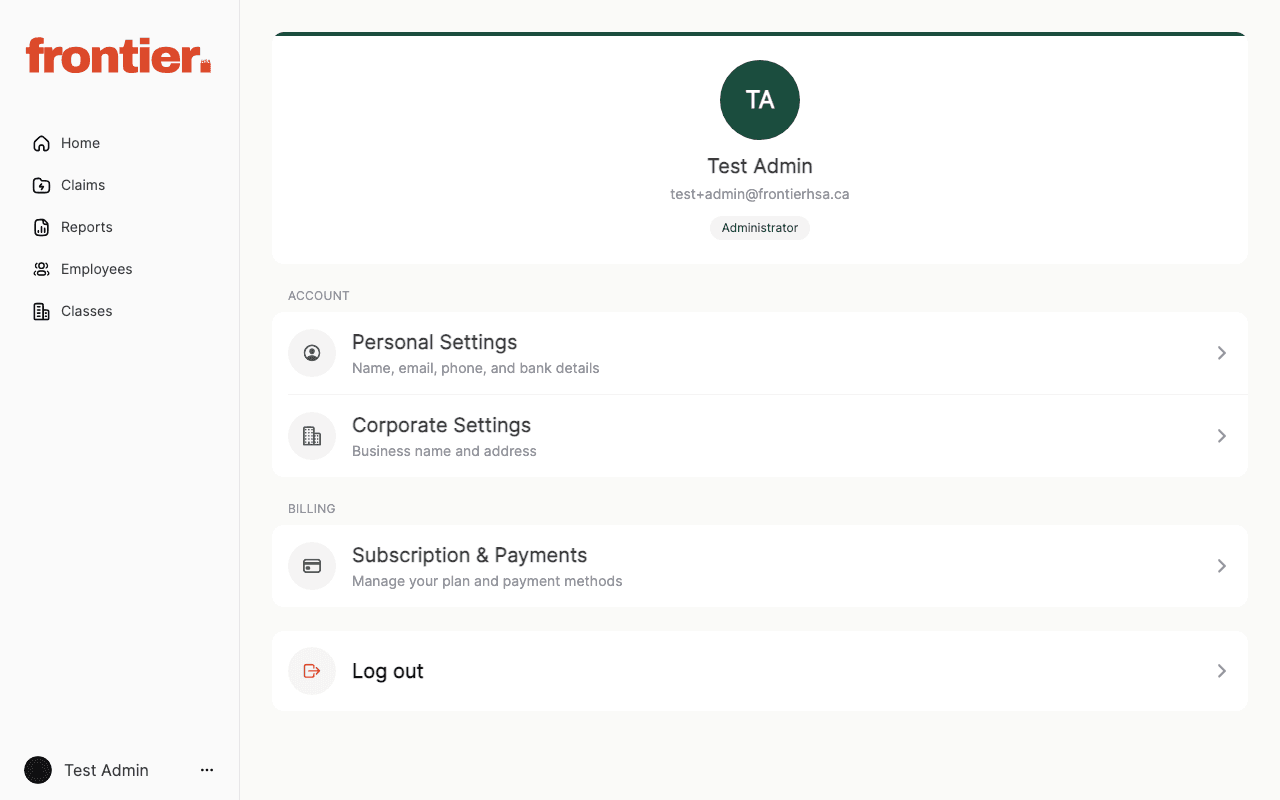
  1. 1.Open profile settings and navigate to Corporate Settings.
  2. 2.Update business identity and address details as needed.
  3. 3.Open Subscription & Payments to review billing configuration.
  4. 4.Confirm plan/payment details before making policy changes.

Supporting screenshots

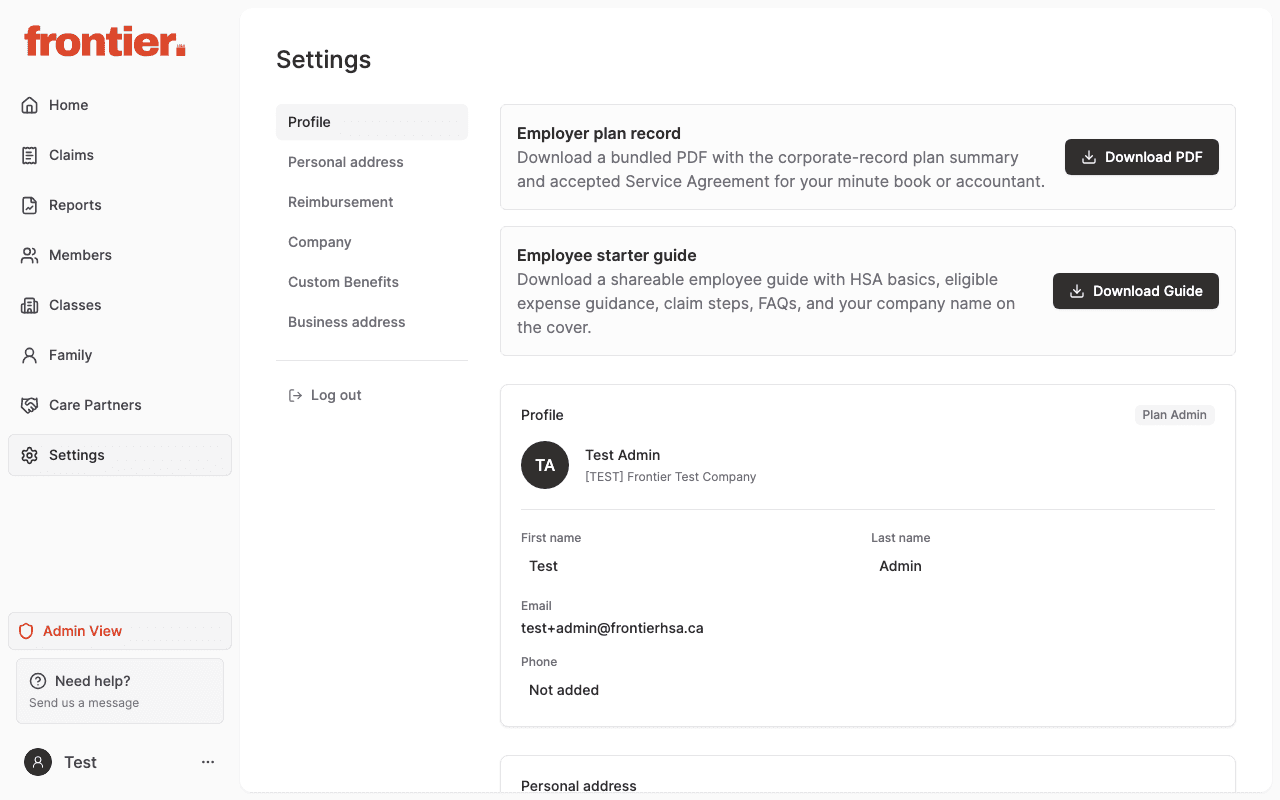
Corporate settings entry point and company details area.
admin

Corporate settings entry point and company details area.

Corporate settings entry point (fallback capture)

Billing and subscription entry point from profile settings.

admin

Billing and subscription entry point from profile settings.